
QuickStart
Get up and running with Jan in minutes. This guide will help you install Jan, download a model, and start chatting immediately.
Install Jan
- Download Jan (opens in a new tab)
- Install the app (Mac, Windows, Linux)
- Launch Jan
Getting Ready
Jan automatically downloads its default foundation model on first launch. Once the download completes, you're ready to chat — no setup required.
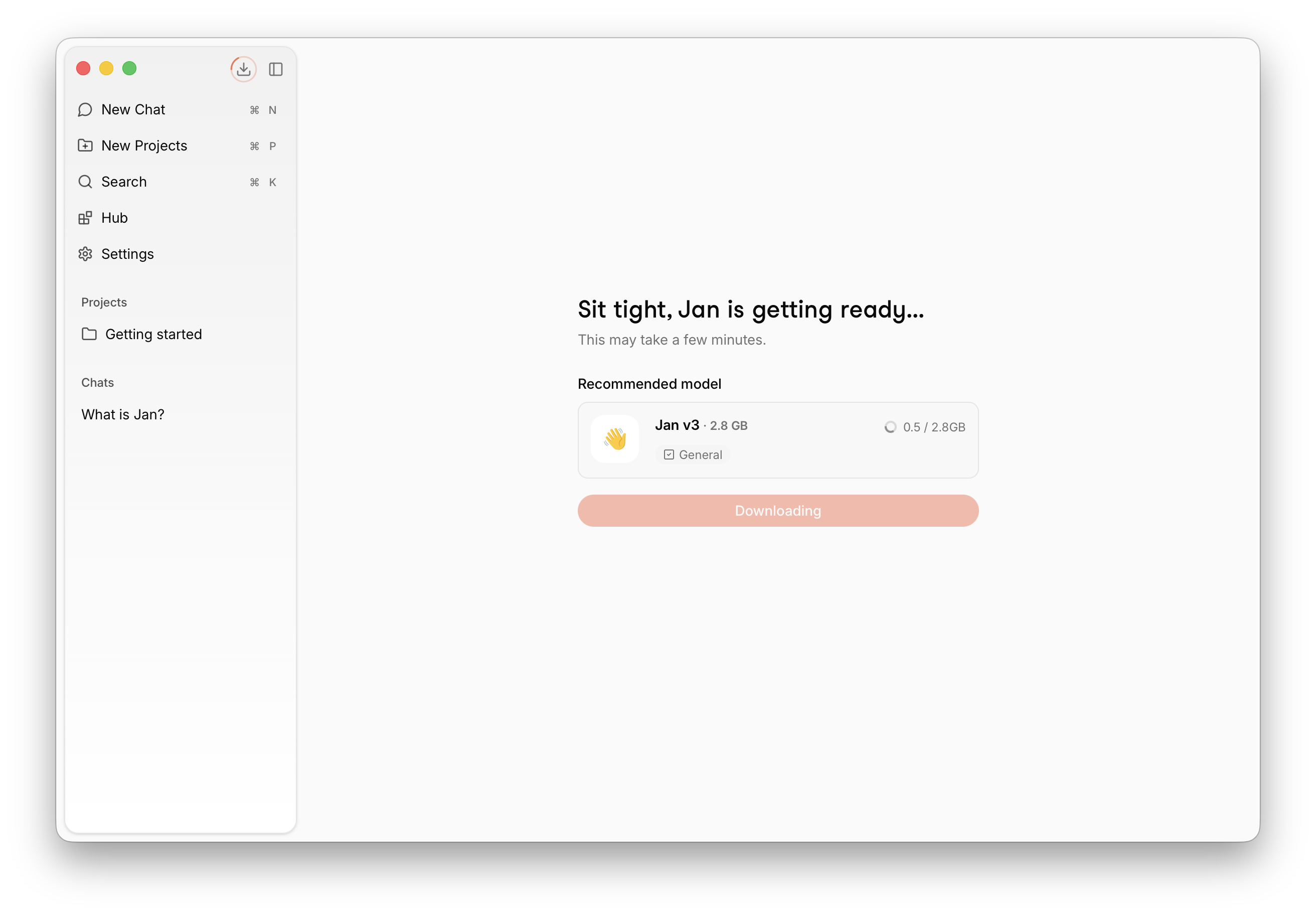
Start Chatting
Type your message and start chatting. Jan is ready to go.
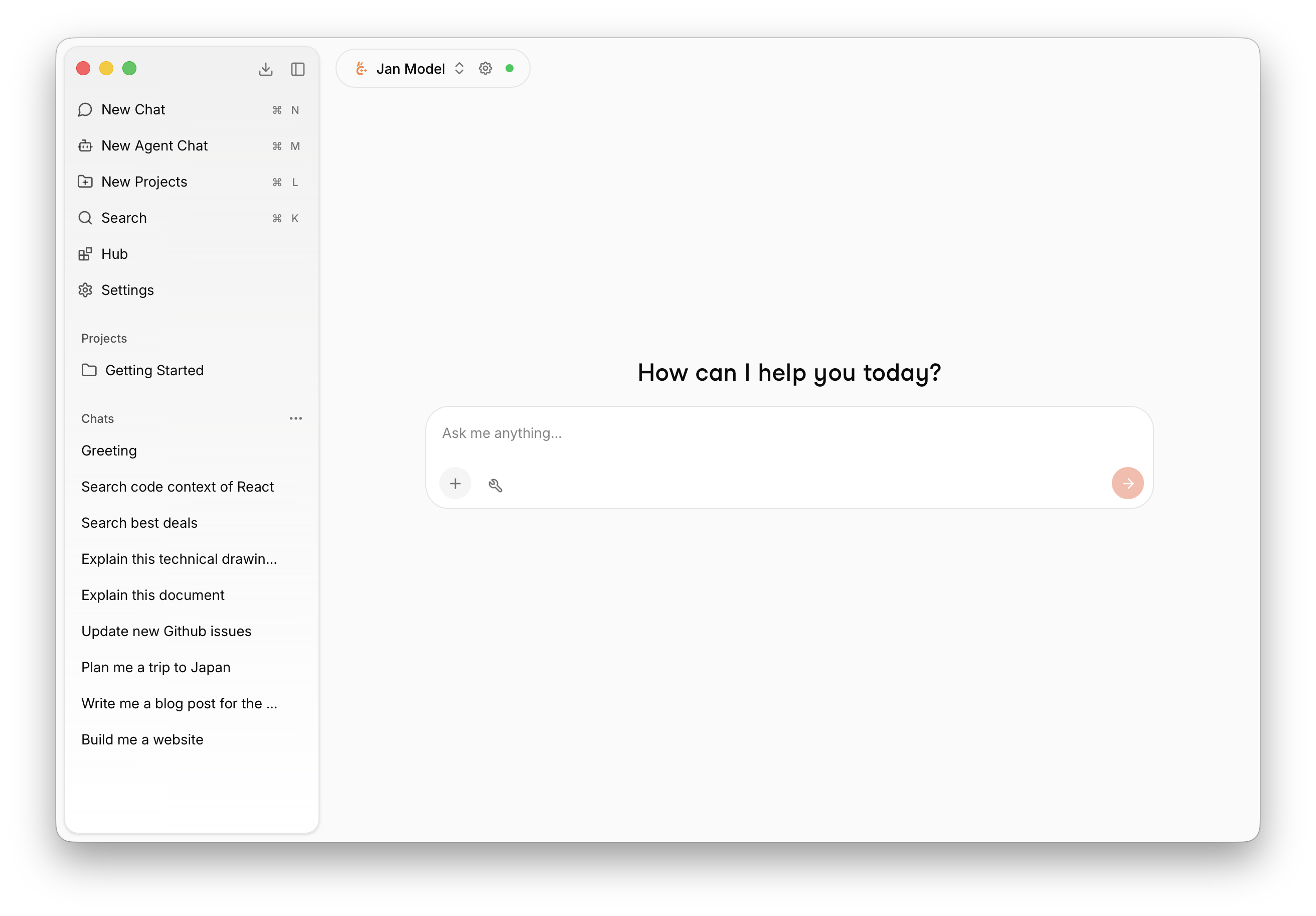
Try asking:
- "Explain quantum computing in simple terms"
- "Help me write a Python function to sort a list"
- "What are the pros and cons of electric vehicles?"
Jan has built-in web search and fetch tools, so you can ask about the latest news and current events without any extra setup. If you'd rather use a different provider, you can also configure the Exa (opens in a new tab) MCP server under Settings > MCP Servers with your own API key.
Download More Models
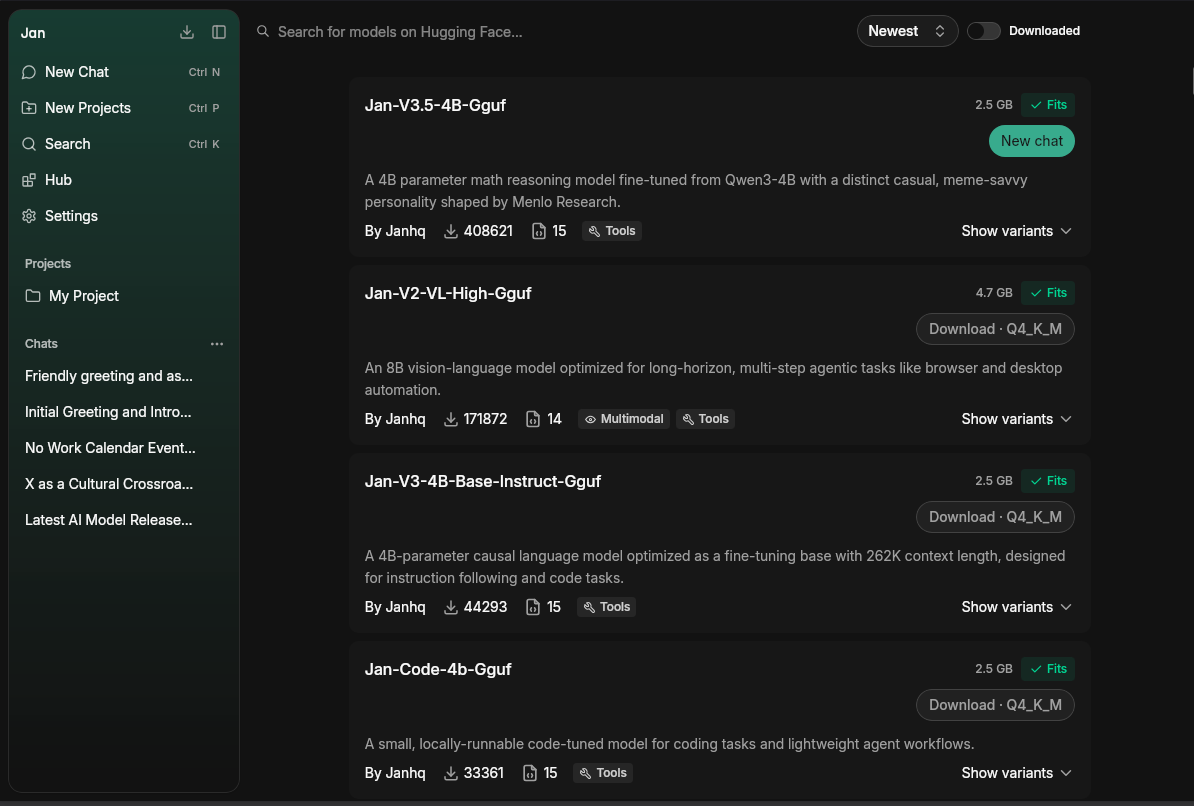
The Hub is where you browse and download local models. Each model shows whether it fits your hardware, so you can pick one your machine can run comfortably.
- Open the Hub from the left sidebar
- Browse or search for a model, then click Download
- Once downloaded, select it from the model selector in any chat
Want help choosing? See Manage Models and the local engine guide.
Local or Cloud
Jan runs models two ways, and you can mix both in the same app:
- Local models run entirely on your machine — private, offline, no API key. This is the default.
- Cloud models run on a provider's servers (OpenAI, Anthropic, Google, and more). They need an API key but let you use the largest frontier models without local hardware.
Connect a Cloud Provider
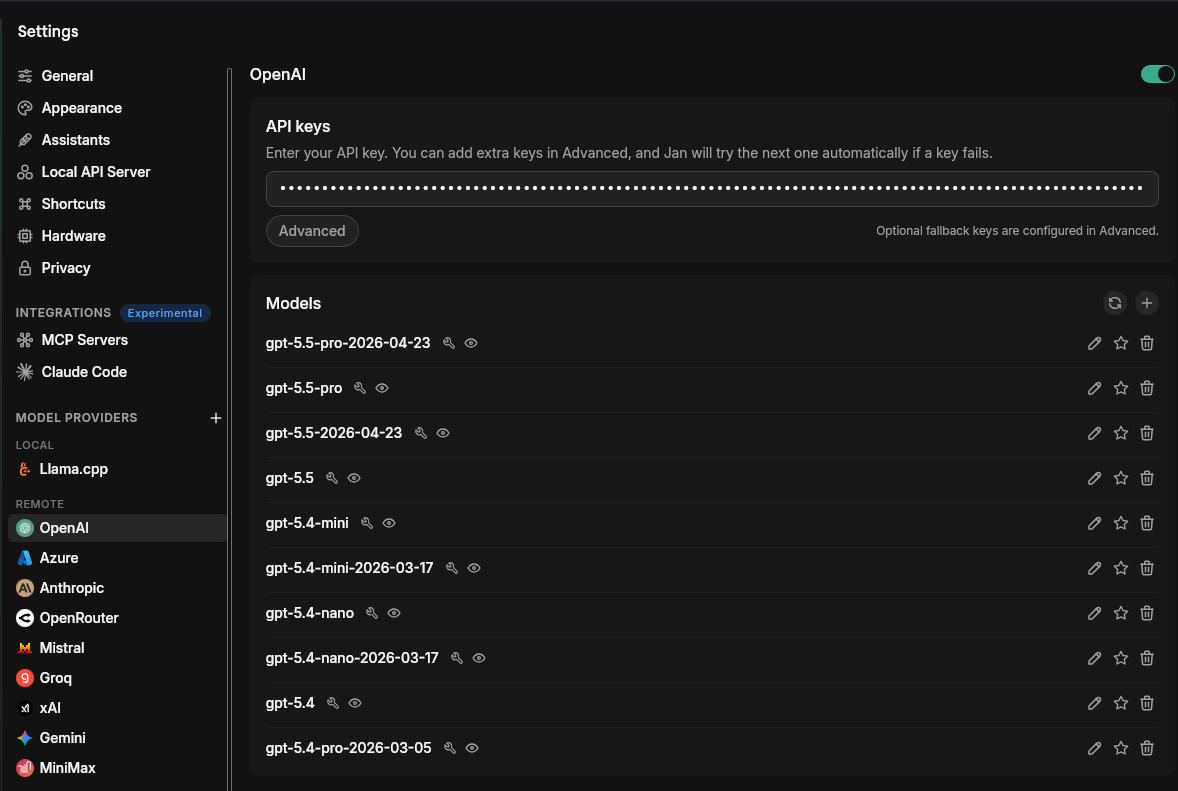
- Navigate to Settings > Model Providers
- Select a provider (e.g. OpenAI or Anthropic) and paste your API key
- Select one of its models from the model selector and start chatting
Running your own server or using a provider Jan doesn't list? Connect any OpenAI- or Anthropic-compatible endpoint — see Custom Endpoints.
See all Cloud Providers for per-provider setup.
App Features
Jan is more than a chat interface. Organize your work with Projects, build custom Assistants, run autonomous Agents, and connect external tools via MCP.
Hand Jan a task it works through on its own — in a sandbox or directly on your project.
Organize conversations with shared instructions and files.
Set up a personal AI assistant tailored to how you work.
Autonomous AI that reads files, manages calendars, and takes actions.
Extend your AI with web search, code execution, databases, and more.
Models
Beyond the default model, Jan comes with a range of foundation models for different tasks — from image understanding and reasoning to coding.